


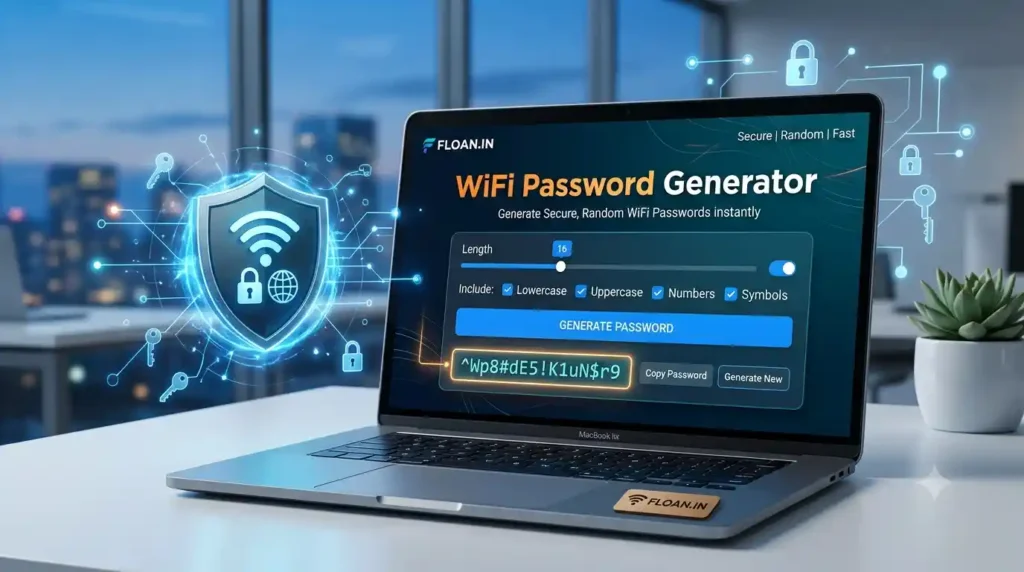
WiFi Password Generator
🔒 Cryptographically secure • Free • Private
Click Generate
Strength: –0 bits
16
🔐 Web Crypto API • Runs 100% in your browser • Nothing is sent to any server
How to Create a Truly Secure WiFi Password
A weak WiFi password is one of the easiest ways for a stranger to join your network, watch your traffic or steal bandwidth. The free WiFi password generator above builds strong, unpredictable passwords in one click, with no sign-up and nothing leaving your device.
Why You Need a Strong WiFi Password
Routers ship with default passwords printed on a sticker, or let owners pick memorable ones such as birthdays. Both are risky: defaults are documented online and short guessable passwords fall quickly to cracking tools.
What happens if your WiFi is compromised
An intruder inside your network can slow your connection, probe smart-home devices and attack other devices behind the same router.
Weak patterns to avoid
- Sequences like
12345678 - Router brand or model names
- Addresses, phone numbers and birthdays
- Any dictionary word
How This Cryptographically Secure Generator Works
Many online generators use Math.random(), a predictable pseudo-random function unsuitable for security. This tool uses crypto.getRandomValues(), which draws from the operating system’s secure random generator, the same source used for encryption keys.
What it guarantees
- Unbiased selection: biased random values are rejected, so every character is equally likely.
- At least one character from each selected type, then a secure shuffle.
- Length from 8 to 63 characters, the WPA2/WPA3 passphrase limit.
- A strength meter based on real entropy in bits, not guesswork.
How to Use the WiFi Password Generator
- Set the length. 16 or more is a good default.
- Choose character types, or avoid look-alikes if you will type it by hand.
- Press Generate (or Enter).
- Use Copy or Download to save a text file with your network name and password.
- Paste it into your router’s wireless security settings and save. Press Reset to clear everything.
Choosing the right length
Length beats complexity. A 20-character lowercase password can outlast a 10-character one full of symbols. Some older devices dislike certain symbols, so if one fails to connect, turn symbols off and increase the length.
WiFi Network Security Best Practices
1. Use WPA3 or WPA2
Never use WEP, which is broken.
2. Rename the default SSID
Hide your router brand and model from nearby scanners.
3. Update router firmware
Install patches when available.
4. Use a guest network
Keep visitors and smart gadgets away from your computers.
Password hygiene checklist
- Generate a new password whenever you set up a router
- Never reuse it elsewhere
- Store it in a password manager, not on a sticky note
- Change it if you suspect a leak
Related Tools & Trusted Resources
More from Floan
Floan HomeFree Online ToolsBlogAbout
External reading
NIST Digital Identity FAQWi-Fi Alliance SecurityMDN getRandomValues()
Frequently Asked Questions
What is a WiFi password generator?
A tool that creates random, unpredictable passwords for your router instead of weak phrases chosen by hand.
Is this WiFi password generator safe?
Yes. It runs entirely in your browser using the Web Crypto API. Passwords are never sent to or stored on any server.
How long should a WiFi password be?
At least 16 characters with mixed character types. This tool generates 8 to 63 characters.
What is the difference between Math.random() and the Web Crypto API?
Math.random() is predictable and unsuitable for security. crypto.getRandomValues() gives cryptographically secure values suitable for passwords and keys.
Should I change my WiFi password regularly?
Not on a fixed schedule if it is strong and unique. Change it immediately if it is shared, leaked or you suspect compromise.